

The app
Your work, in your pocket.
The app is where the work gets done, and To-Do is where it starts. Whatever modules your company has switched on, your team can act on them from the app.
Ask for leave, do an inspection, clock in, handle an alert, send a document for signing or start a FICA check, each with the module that does it.
A notification tells them the moment something needs them.



Why your team will live in it
- Do the work where it happens: on site, in the van, at the gate.
- Your To-Do goes with you, and fills itself.
- Notifications keep you up to date: a new job, an alert, a request for you.
- Act on the spot: approve leave, handle an alert, do an inspection, tick off a step, clock the crew.
- Everyone manages what is theirs to manage, from their phone.
Setup and admin-only actions are done on the website.
Works with no signal
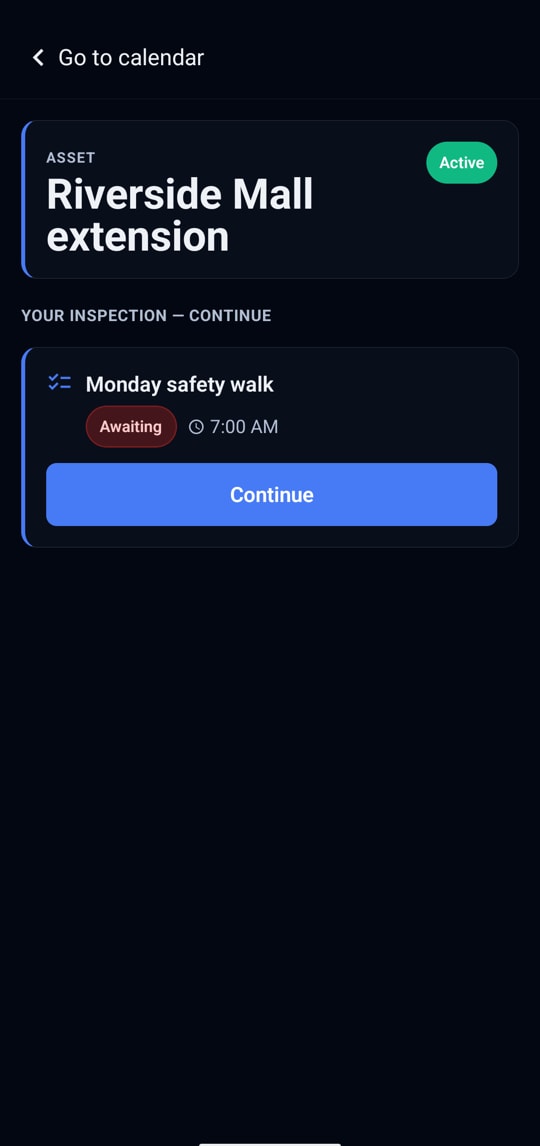
Real screens from the app on an Android phone.
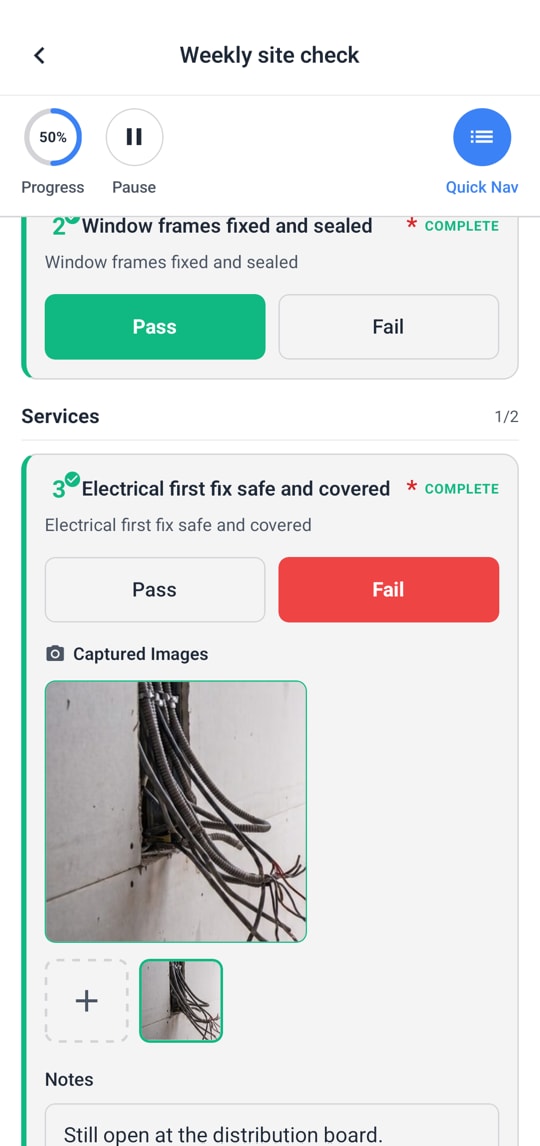
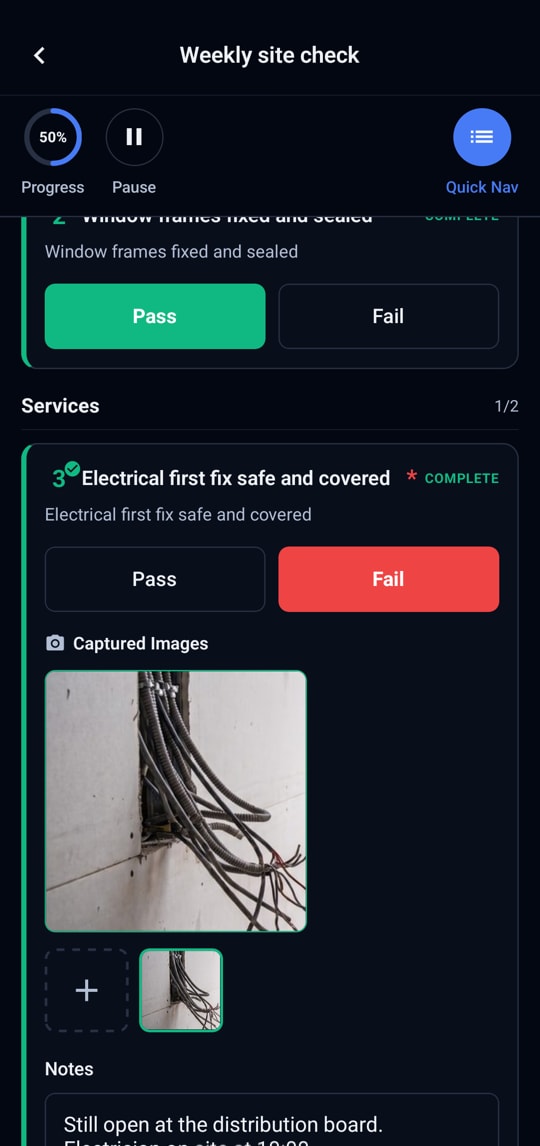
Doing an inspection
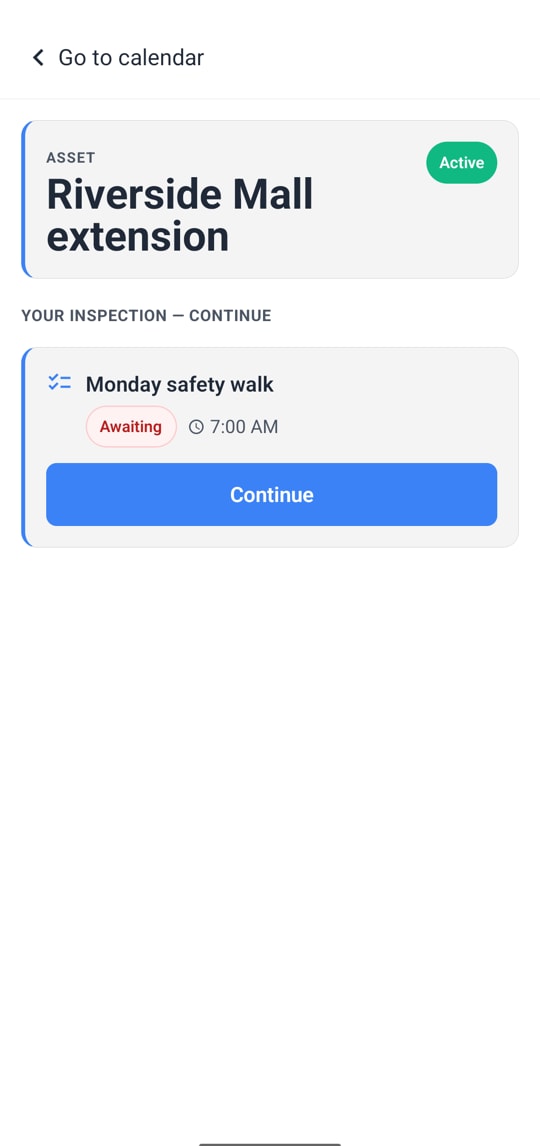
Quick capture from a QR code
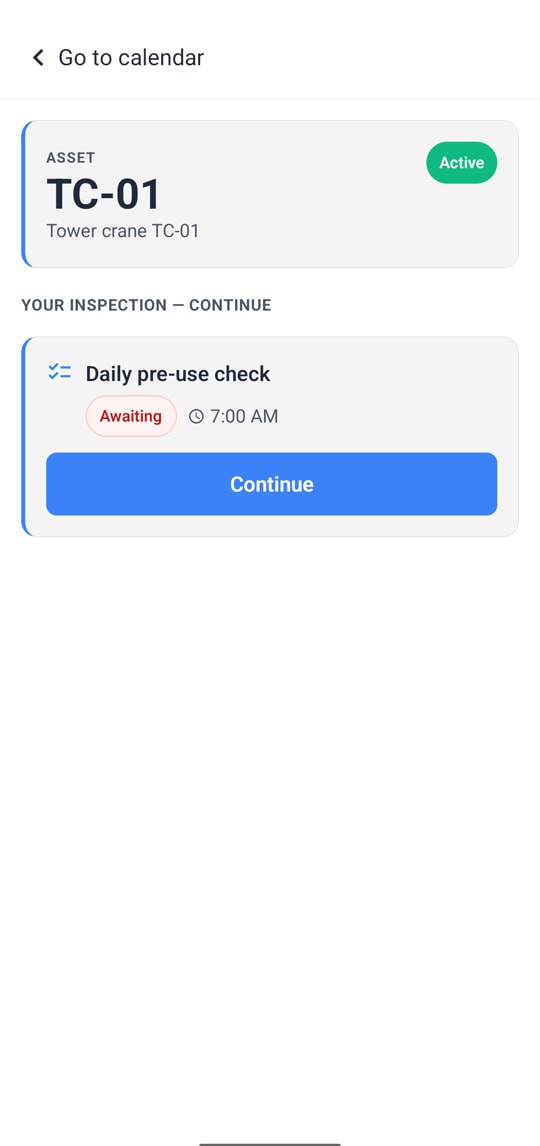
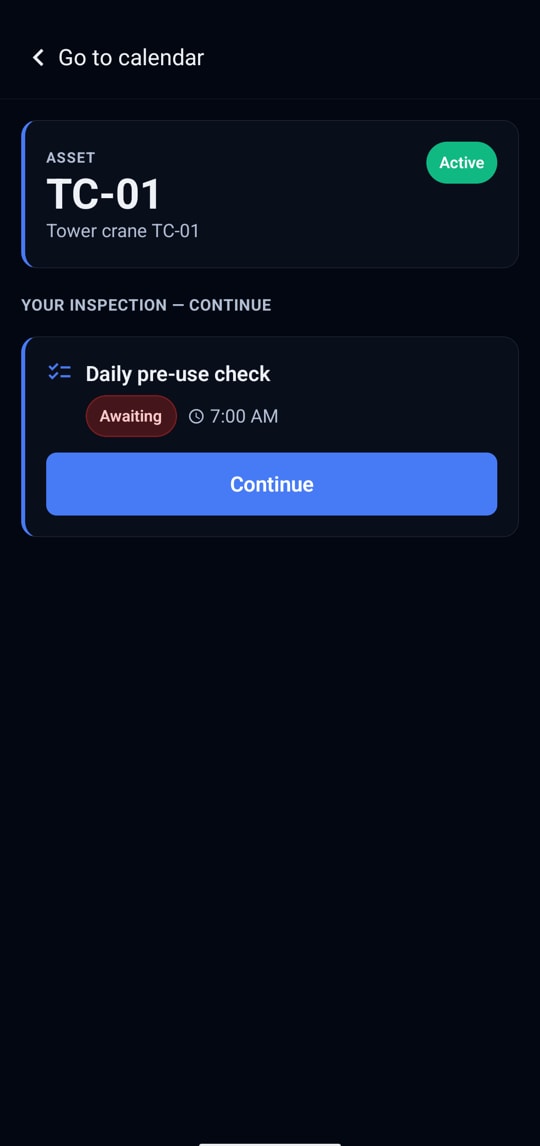
Scanning an asset and taking the job


These work with no signal:
- Doing an inspection: answers and photos are kept and sent when signal is back.
- Quick capture from a QR code.
- Scanning an asset and taking the job.
- Clocking in and out, yourself or the crew.
- Ticking off to-do steps.
- Reading your To-Do, calendar and jobs.
- Staying signed in.
Notifications keep everyone up to date
A to-do given to you or running late, an alert, a leave request or answer, a signed copy arriving, a reminder before a scheduled inspection, a shift closed for you. Tapping one opens the right screen.
Needs signal, and says so
Leave, sending documents, starting FICA checks, acting on alerts, and changing or sharing a to-do or list. The app tells the person plainly rather than failing quietly.
Light and dark follow the phone.
Get the app
Point your phone’s camera at the code, or get it directly: