

Time & Attendance
Know who is on site, and pay them right.
Workers clock in on their phone, or a manager clocks the crew. At month end, hours, overtime and leave come together on one wage sheet.
- Clock in on the phone at the site, or the foreman clocks the crew.
- Hours, overtime and leave on one wage sheet.
- Extra checks only if you want them.
R 129a person a month, down to R 69 for bigger teams
Prices exclude VAT. VAT is added only where your country requires it.
Every plan has a minimum of R 299 a month, excluding VAT, for your whole company, not per person. If your bill comes to more, you pay that instead.
Free trial. No card. Cancel any time.

The old way
A paper register at the gate
- A paper register at the gate, signed by whoever is standing there and typed up at month end. Friends sign for friends, and every payday starts an argument about hours.
Moving from fingerprint clocks
Why companies are moving from fingerprint clocks
Fair, accurate pay
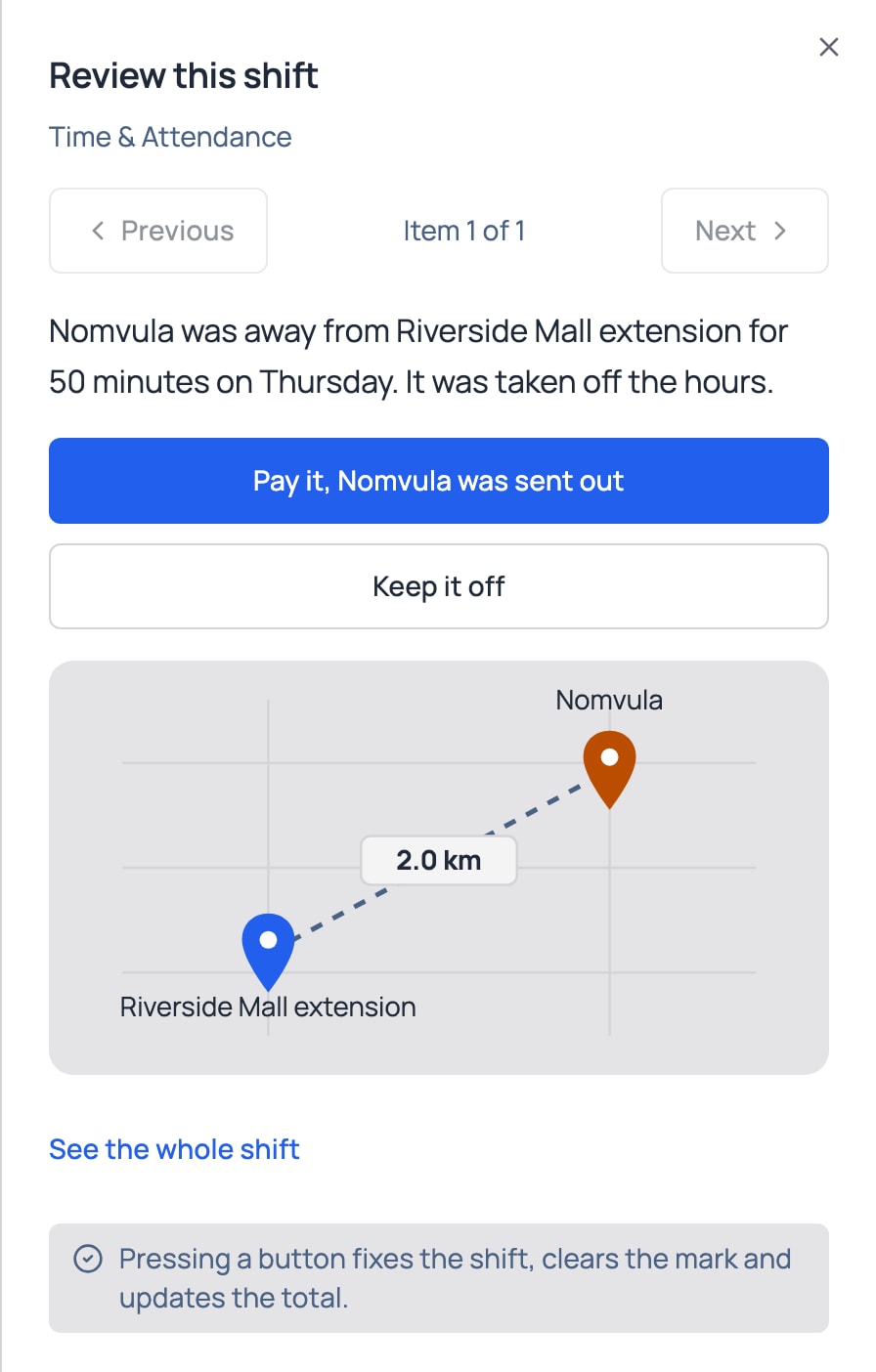
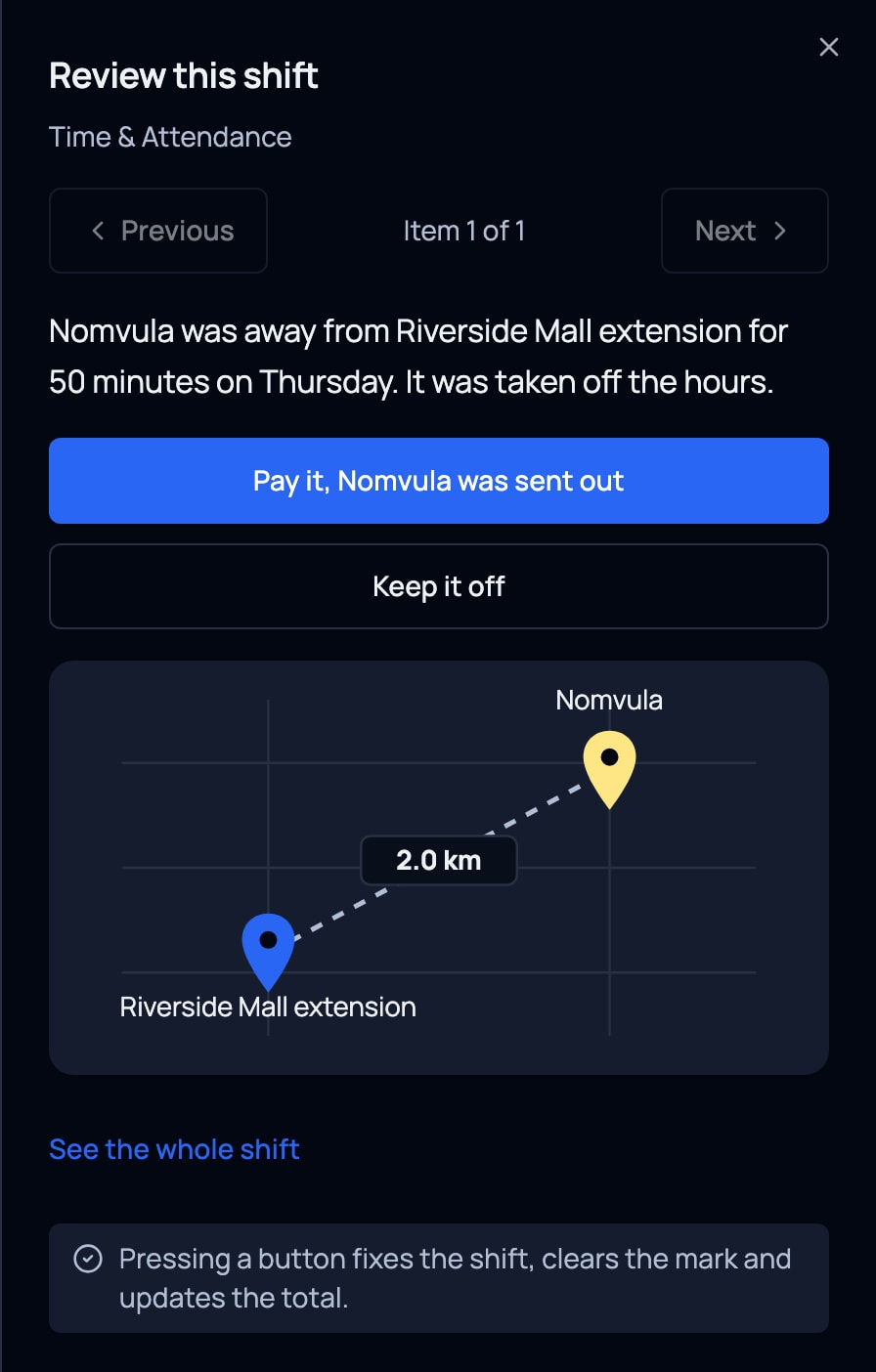
Clock-in checks they’re on site, with a face check where you switch it on. Paid for every hour worked, on site or out on the job. Time away is checked by a manager.
Wage sheets done for you
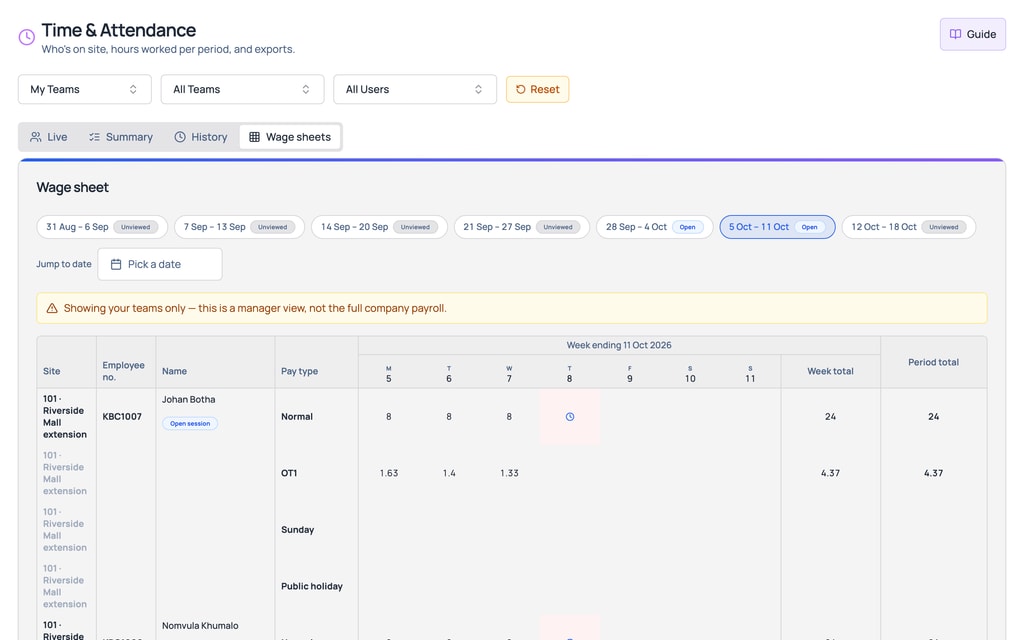
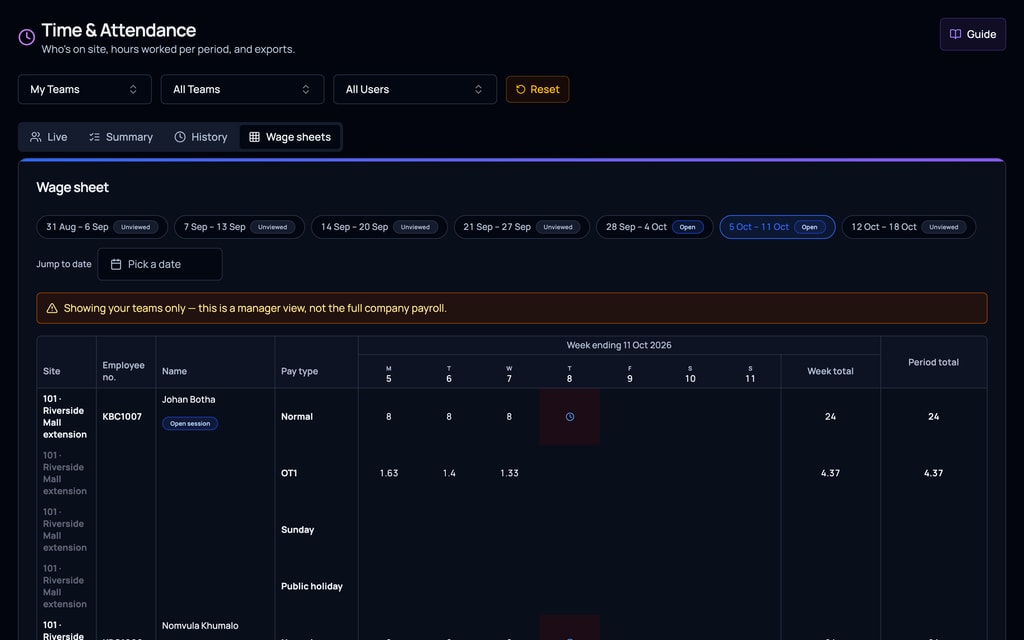
Hours, overtime and leave (with Leave switched on) on one sheet, ready for your payroll.
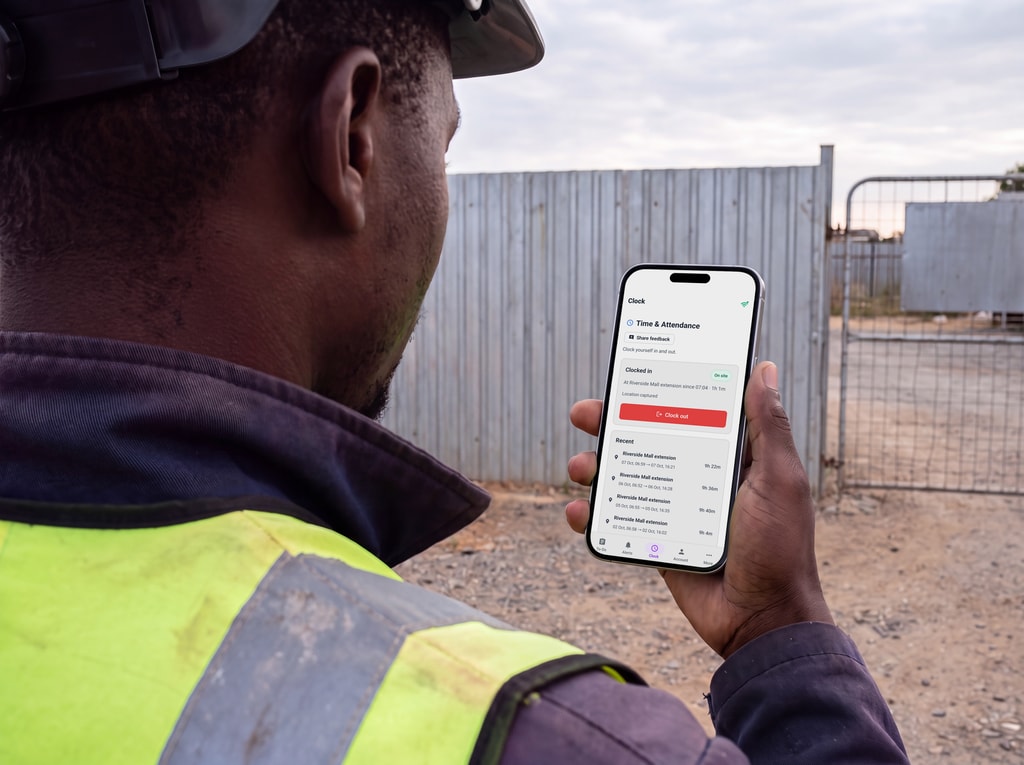
No hardware to install
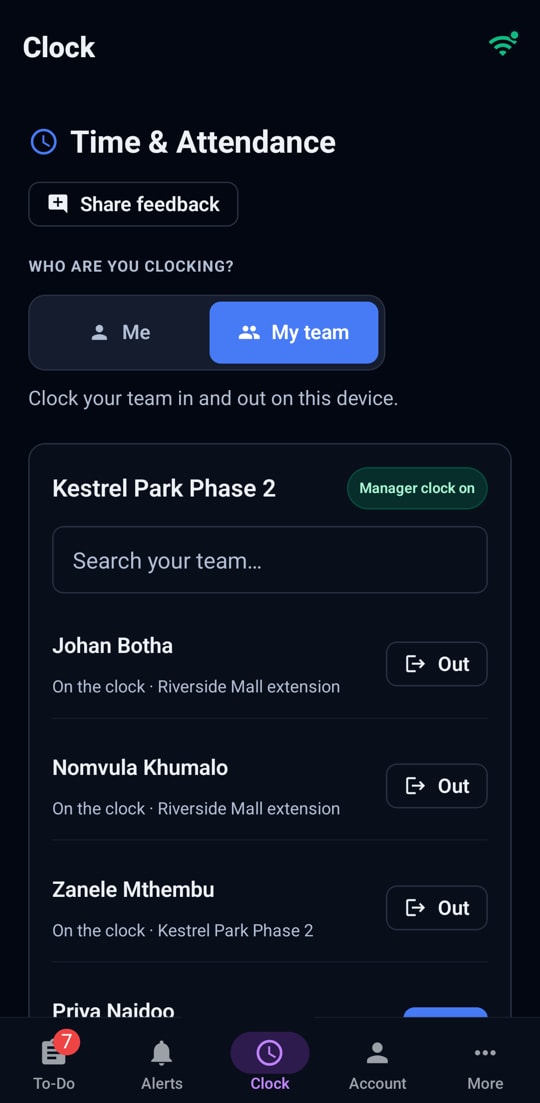
No clock-in or biometric hardware. People clock themselves in on their own phone, or a manager clocks the whole crew from theirs.


Leaving-site checks apply to people who clock in on their own phone, on sites where you switch them on, with their agreement.
Clocking
Two ways to clock, both on the phone
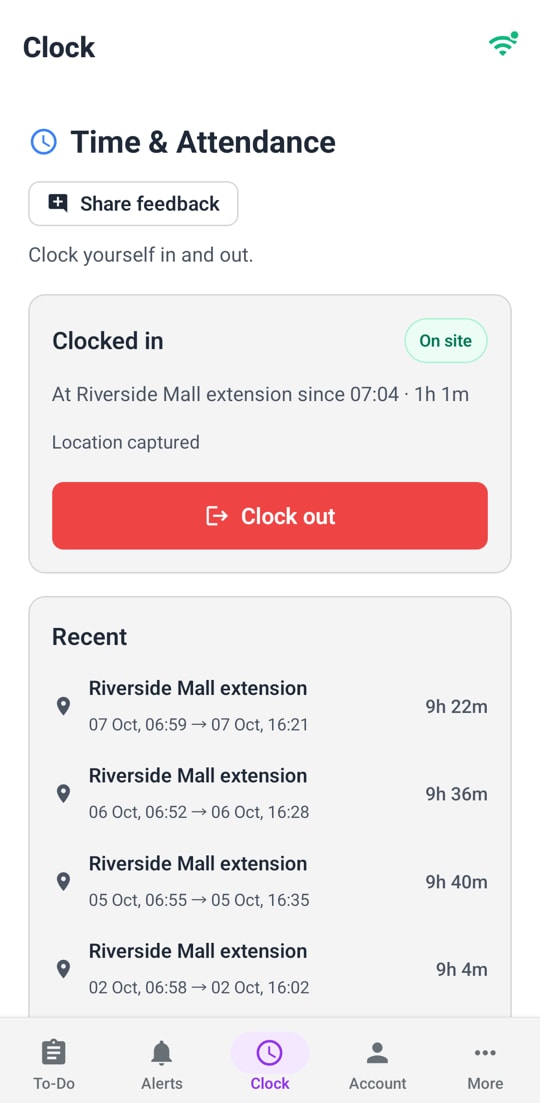
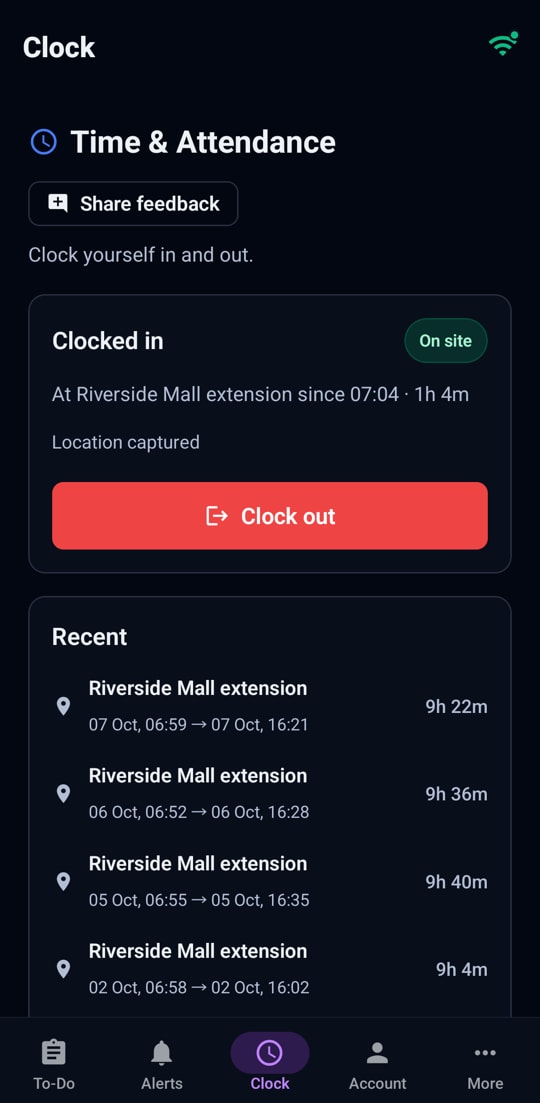
Clock yourself in
On your own phone, at the site or by scanning the QR poster there. That is all it takes. Anything more is the company’s choice, below.
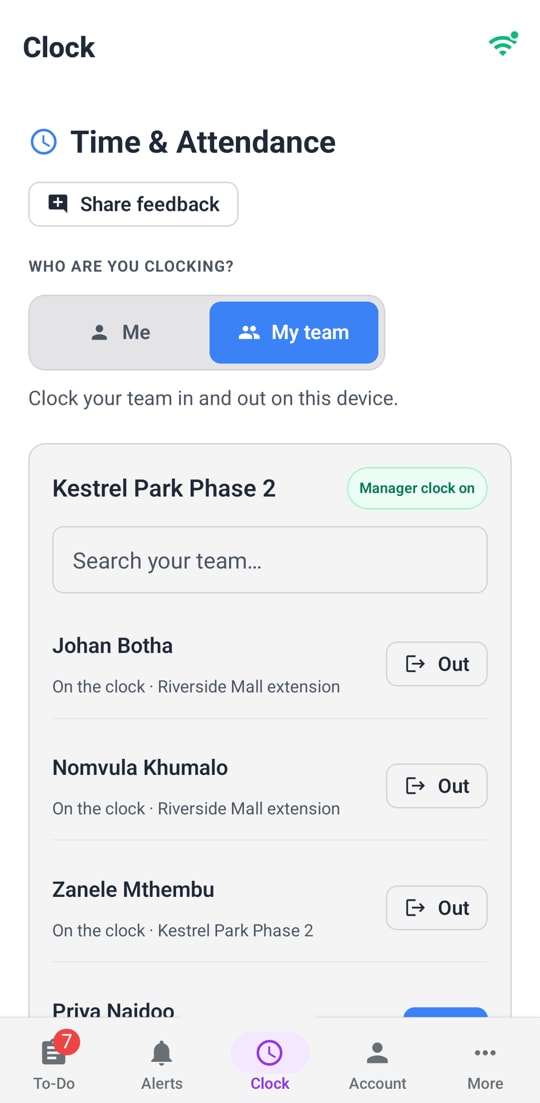
A manager clocks the crew
On the manager’s own phone: one by one at the site, and everyone out at once at the end of the day. For workers without a smartphone, or a crew arriving together at a gate.


How it works
Three steps, start to finish
Step 1
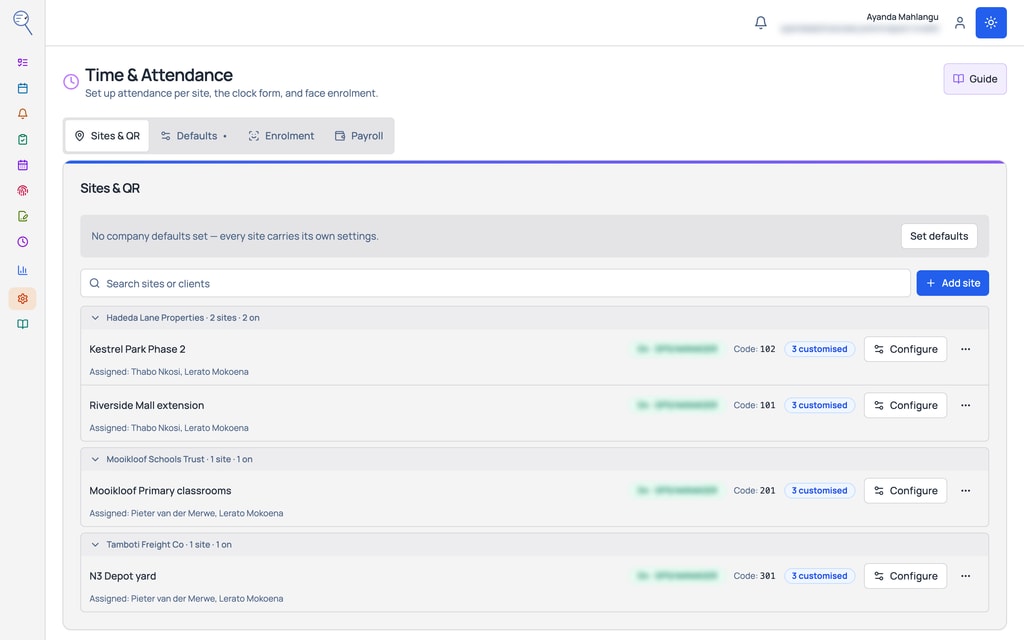
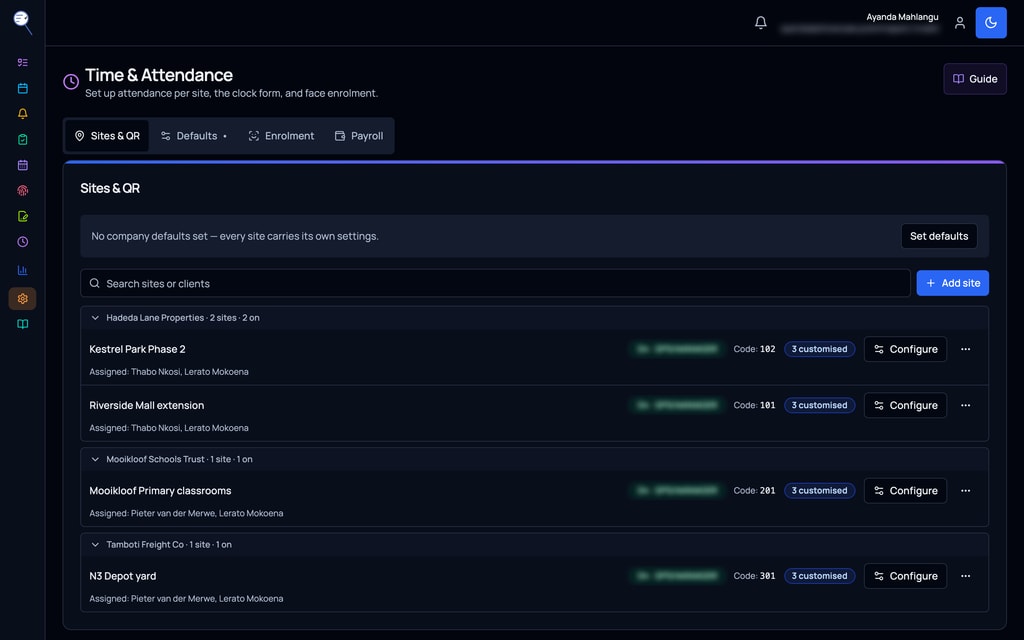
Add your sites.
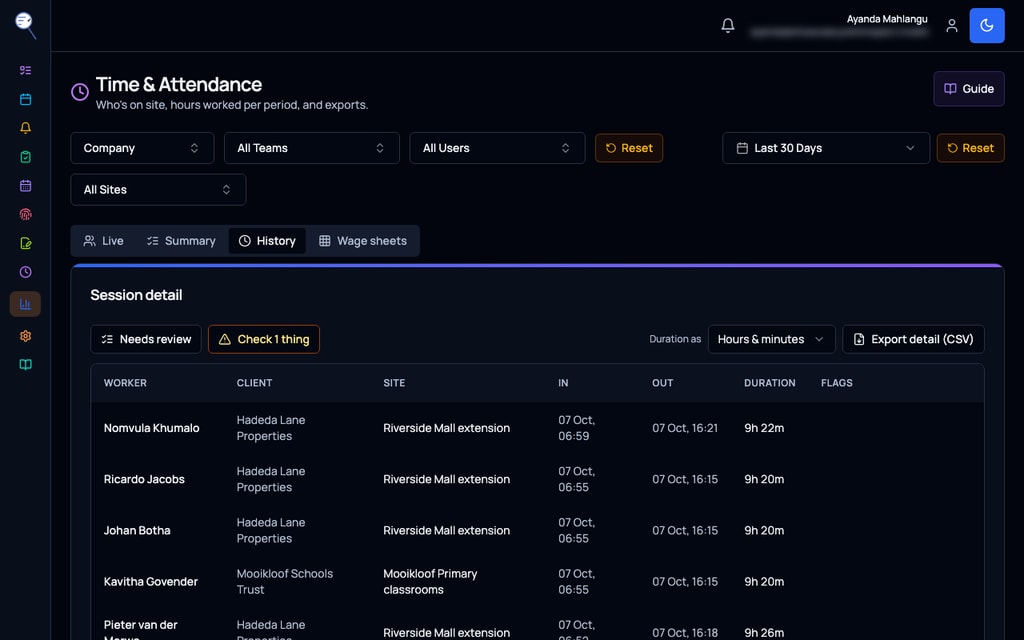
Step 2
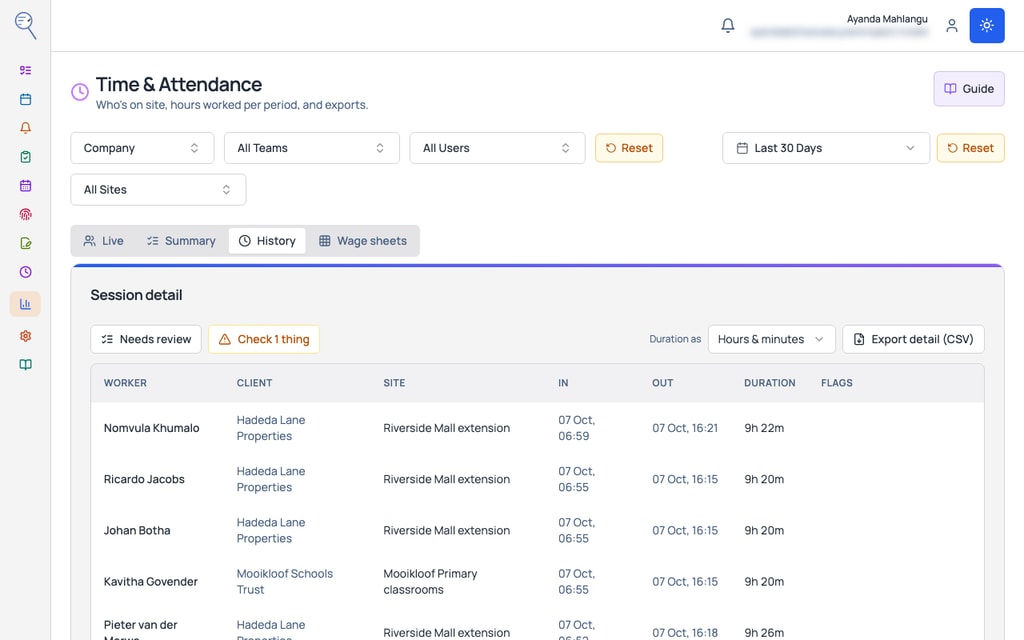
Every shift is recorded: who, where and for how long.
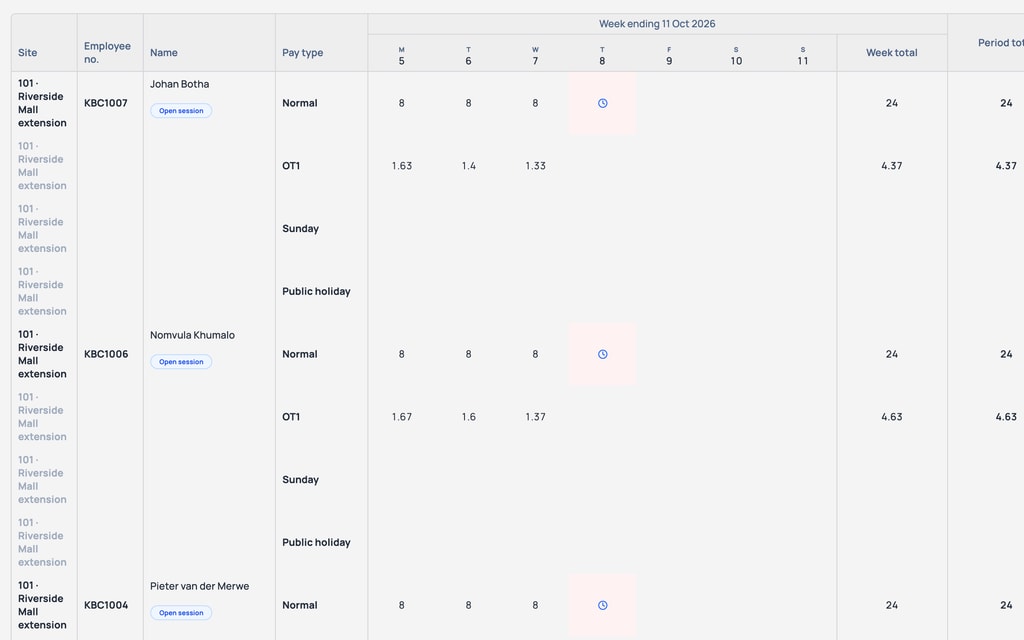
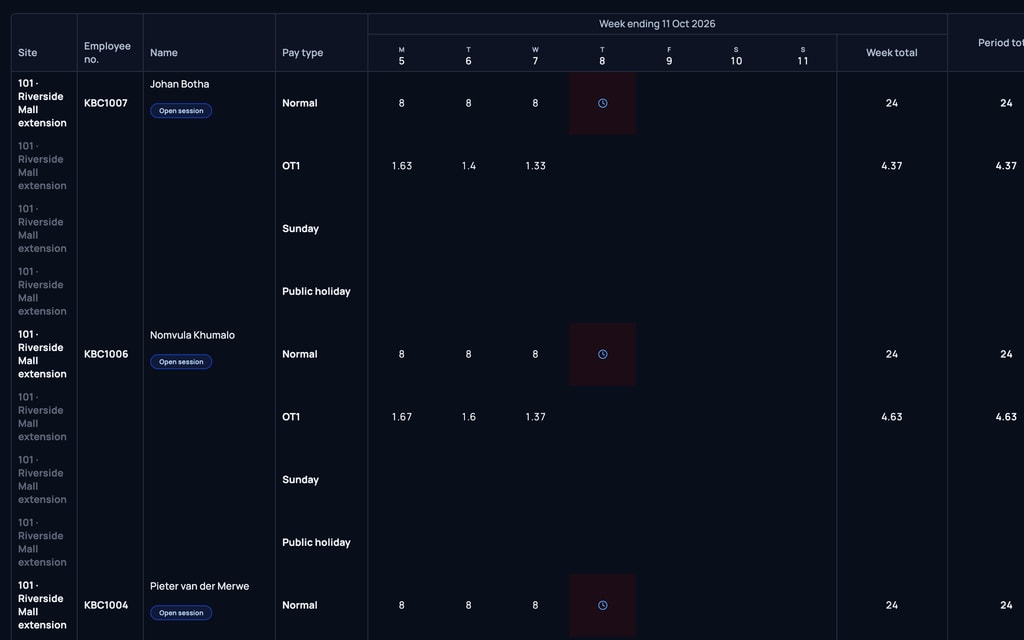
Step 3
At pay time, everything is on one wage sheet. Send the file to payroll.


What it does for you
What it does for you
Extra checks, each one switched on separately and only if you want it: a selfie, a face match, a signature, or questions first. The face check is optional and asks for the worker’s consent.
A face that does not match goes to a manager. Nobody is locked out. Built with POPIA in mind.
A safety question can stop the clock when it is answered wrong.
Clock-ins from off site are caught.
A forgotten clock-out never spoils the wage sheet.
For people who clock in on their own phone, walking off site while clocked in is noticed on the sites that have it on, and a manager can see it. The worker agrees first.
A list for the manager of everything that needs their eye: missed clock-outs, faces that did not match, clock-ins from off site.
Corrections are recorded, and nobody can edit their own shift.
By trade
Real situations by trade
Construction
A crew arrives at the gate. Each worker clocks in on their own phone, or the foreman clocks the whole crew in. The company can add safety questions before the shift.
Field service
Technicians move between client sites, and overtime is counted across all of them.
Real Estate
Cleaning and security staff at managed buildings.
What it works with
Works with the core
A manager’s clock duty shows in their To-Do. Leave shows on the wage sheet when Leave is switched on.
Goes well with
Leave Management
Leave days land on the same wage sheet. Without Leave, the wage sheet shows hours only.
On the phone
On the phone
- Clock in and out on your phone, and managers clock the crew in on theirs.
- Clocking in and out works with no signal and is sent when signal is back.
Price
What it costs
- 1 to 10 people: R 129 each
- 11 to 20 people: R 119 each
- 21 to 50 people: R 109 each
- 51 to 100 people: R 99 each
- 101 to 200 people: R 79 each
- 201 people or more: R 69 each
Prices exclude VAT. VAT is added only where your country requires it.
Every plan has a minimum of R 299 a month, excluding VAT, for your whole company, not per person. If your bill comes to more, you pay that instead.
Use two or more modules and a bundle reward can lower the price of all of them.
See what your whole bill would beShow prices in
Questions
What people ask
What does it cost?
R 129 a person a month, down to R 69 for bigger teams, excluding VAT. Every plan has a minimum of R 299 a month, excluding VAT, for your whole company, not per person. If your bill comes to more, you pay that instead. Open the calculator on the pricing page and tick Time & Attendance to see your whole bill.
Does it work with no signal?
Yes. Clocking in and out works with no signal and is sent when signal is back.
What if someone forgets to clock out?
They are clocked out automatically, and a forgotten clock-out never spoils the wage sheet. The manager sees it on their list.
Can we use it instead of a fingerprint clock?
Yes. Workers clock in on their own phone, or a manager clocks the crew in on theirs, so there is no reader to buy. Extra checks such as a selfie or a face match are optional, switched on separately, and ask for the worker’s consent.
Can I see when someone left site?
For people who clock in on their own phone, yes, on the sites where you have this on. It works while they are clocked in, and the worker agrees first. You choose who may leave site as part of their work. Time away from site is recorded for a manager to review.
Does it work with my payroll system?
Exports are made to fit your payroll system. You import the file, and the pay works out on import.
Does leave show on the wage sheet?
Yes, when Leave is switched on. Approved leave sits on the same wage sheet as the hours. Without Leave, the wage sheet shows hours only.