

Inspections
Every inspection done, on time, with proof.
Build your own checklists, schedule them for every client and site, and get the report back, with photos and signatures wherever you ask for them. If an answer is wrong, the right person hears about it.
- Your own checklists, done on the phone, even with no signal.
- The report and photos the same day, not typed up on Friday.
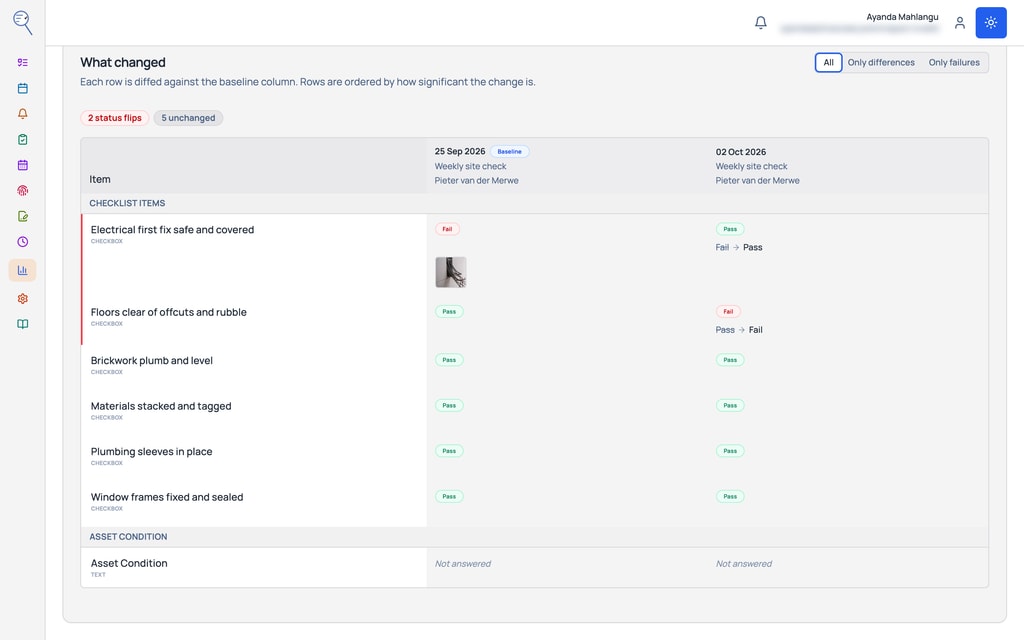
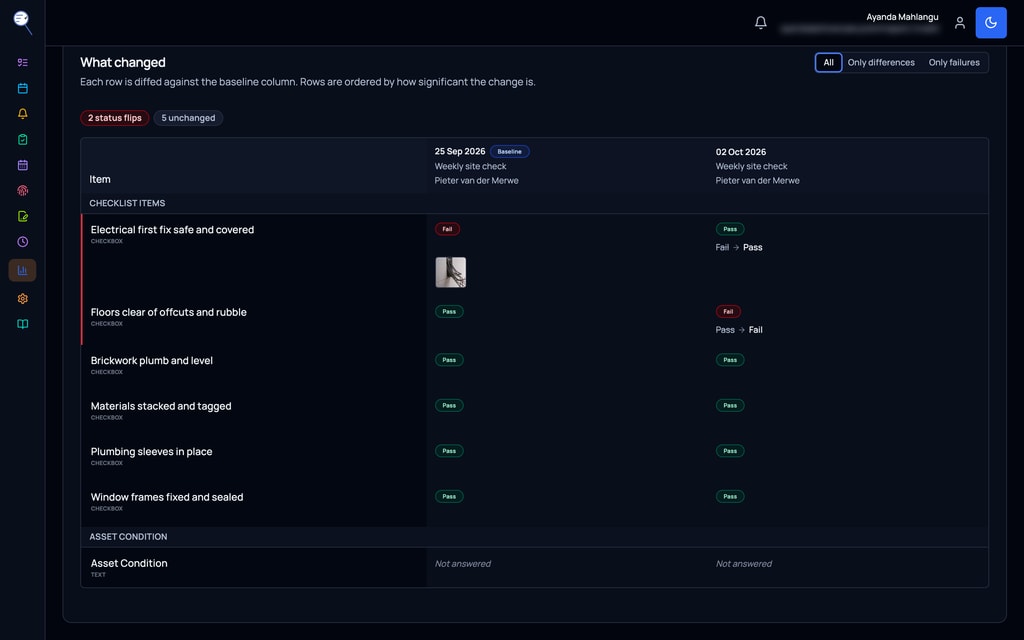
- Compare visits side by side and see what changed.
R 249a person a month, down to R 149 for bigger teams
Prices exclude VAT. VAT is added only where your country requires it.
Every plan has a minimum of R 299 a month, excluding VAT, for your whole company, not per person. If your bill comes to more, you pay that instead.
Free trial. No card. Cancel any time.

The old way
The old way
- A paper checklist on a clipboard, photos on the technician’s own phone, and a report typed up on Friday from memory.
How it works
Three steps, start to finish
Step 1
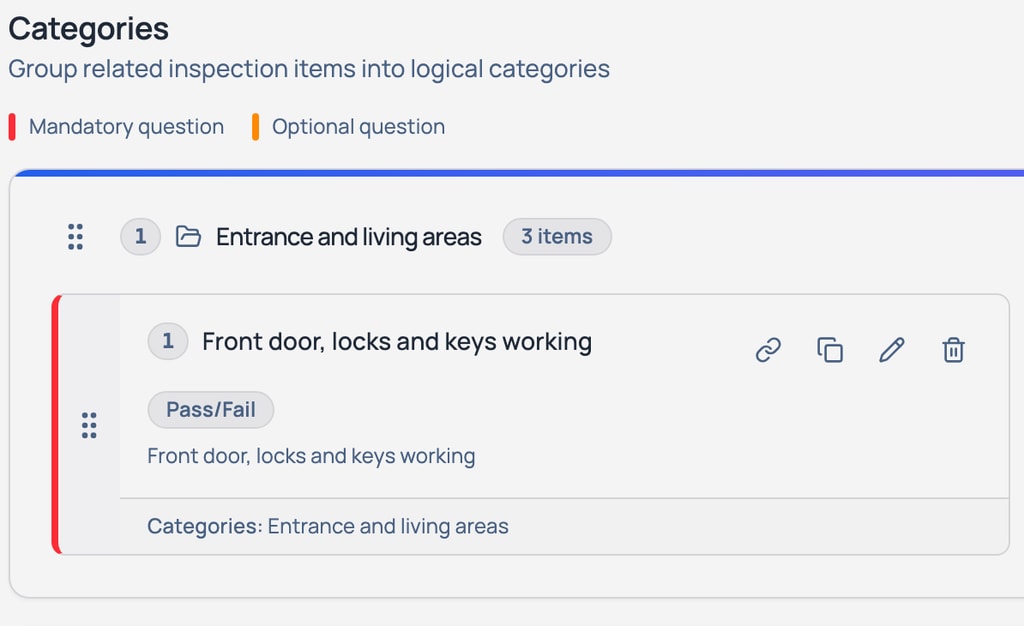
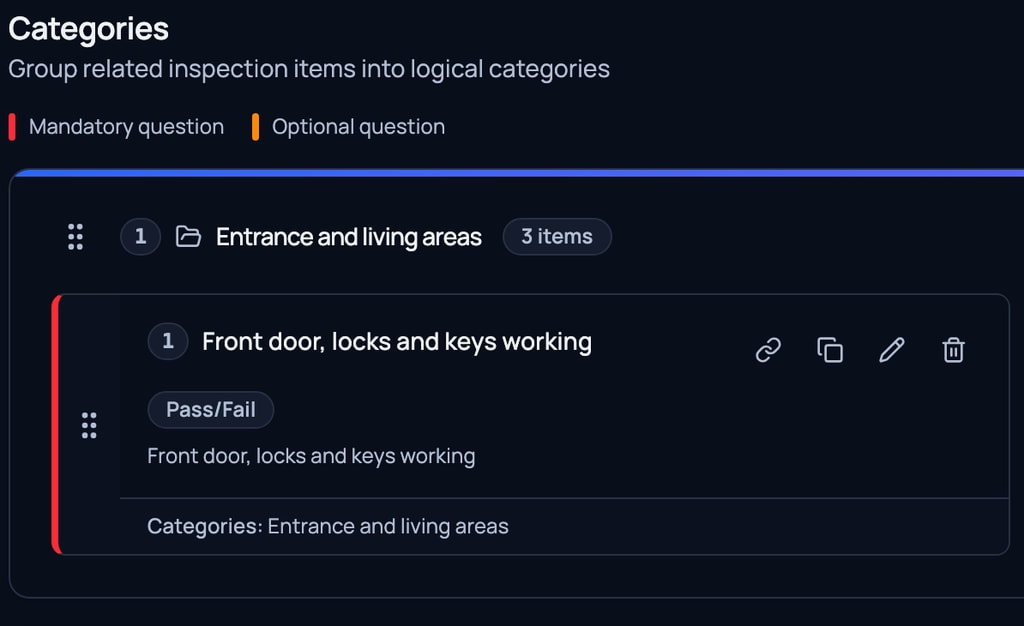
Build the checklist your way, or start from a ready-made one.
Step 2
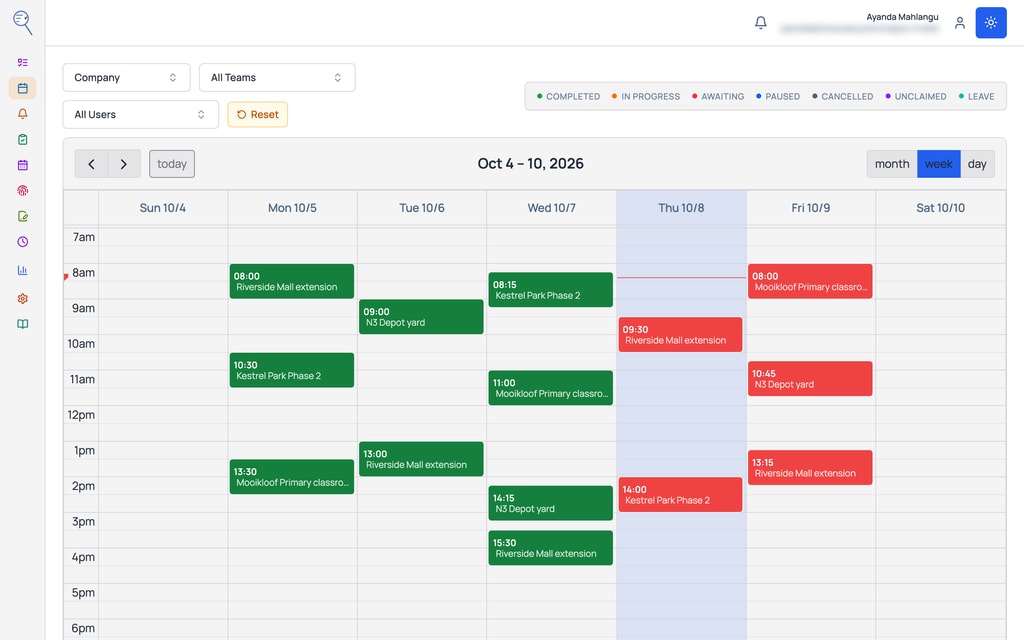
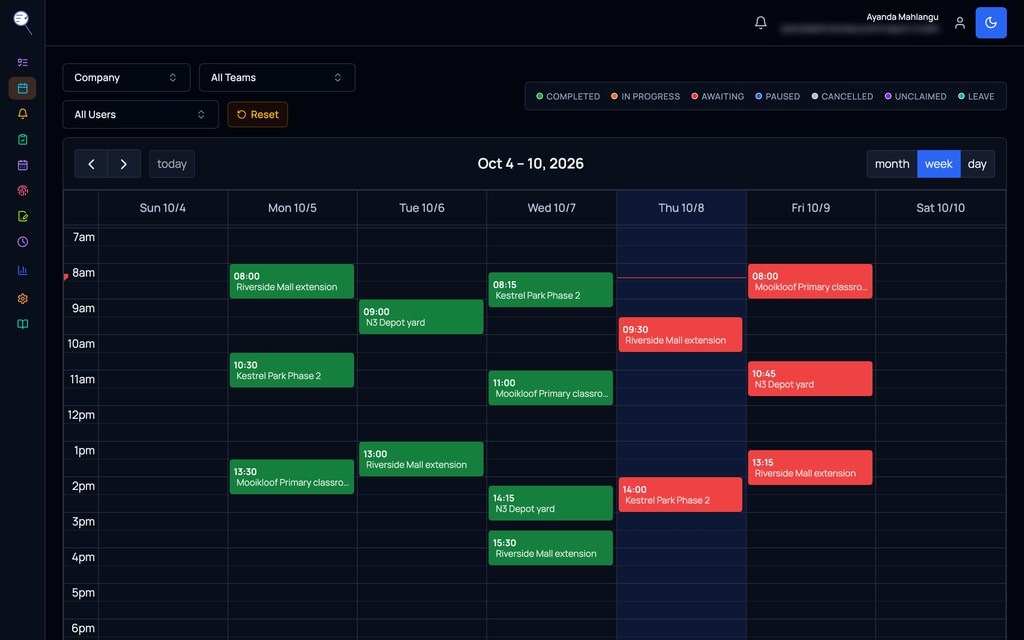
Schedule it once or on a repeat, for a person or a team.
Step 3
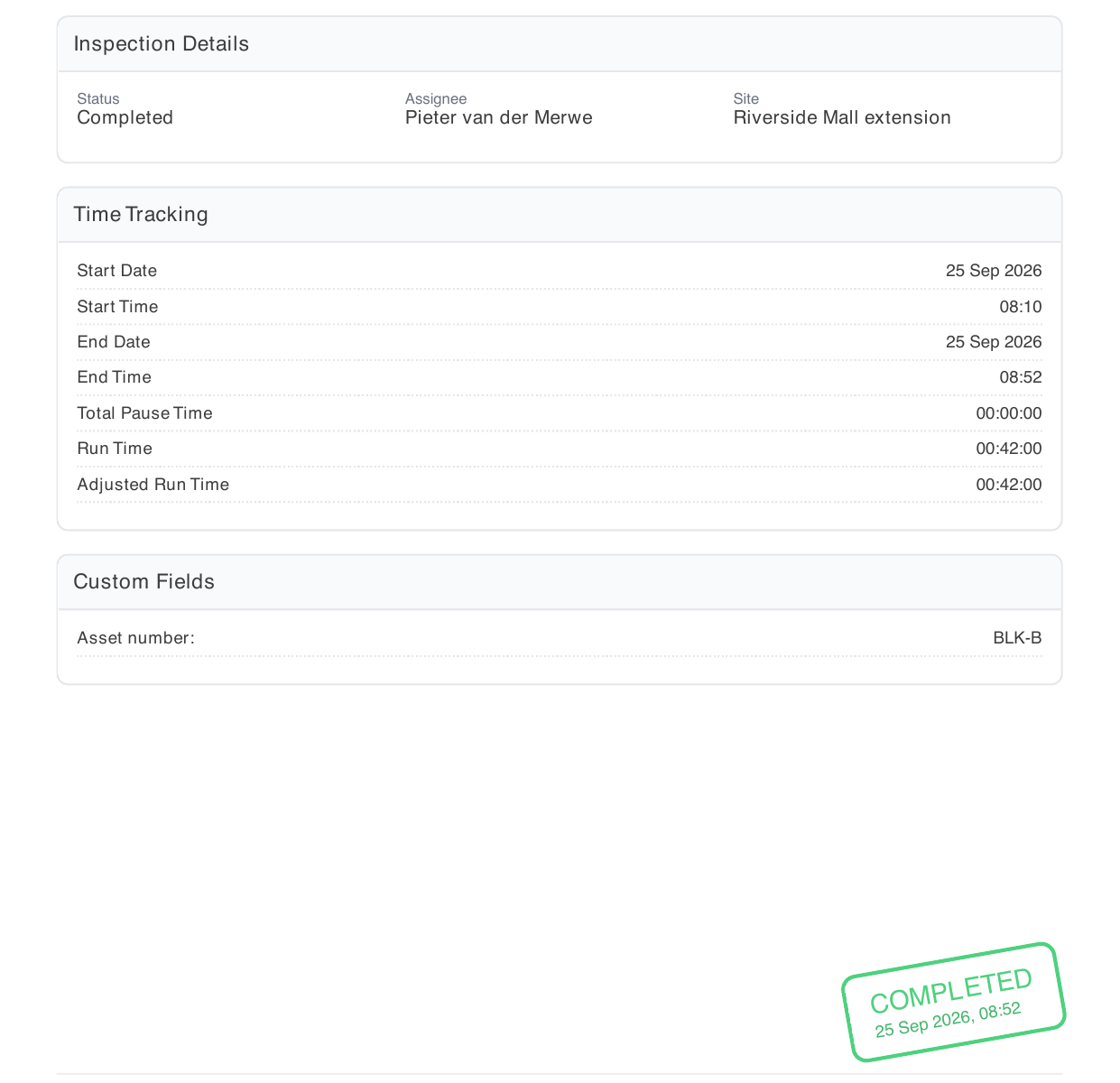
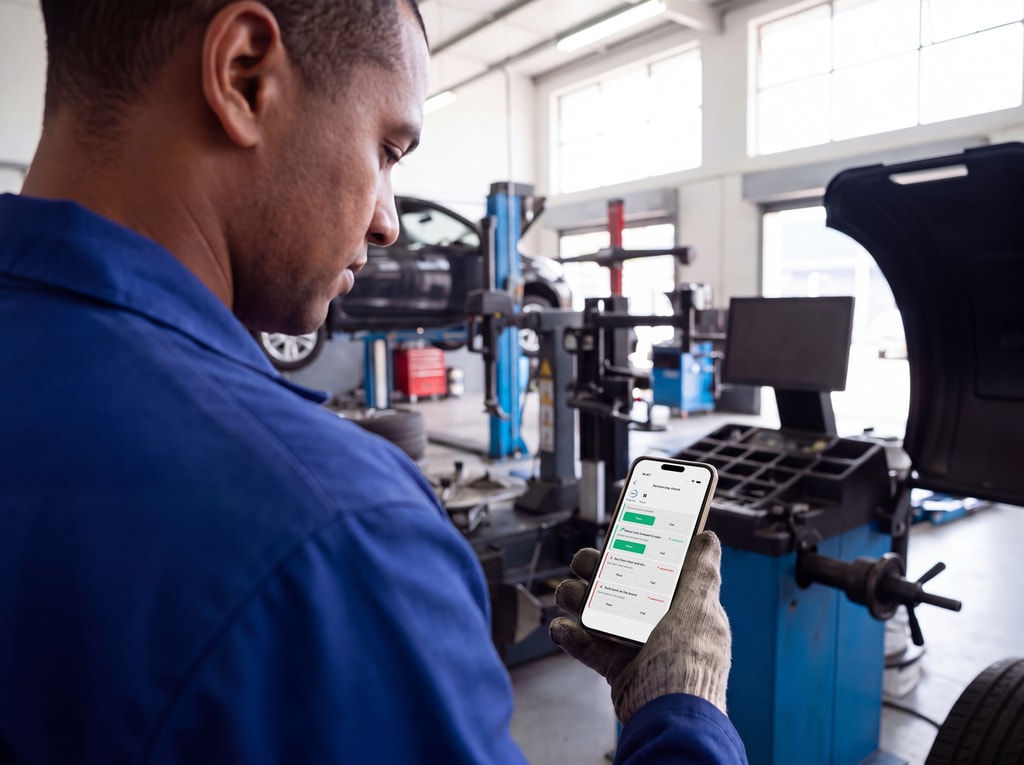
It is done on the phone, on site, even with no signal. You get the report, with the photos and any signatures you asked for.


Your own checks
Your own checks, ready on day one
- Any check your team does on paper today: a scaffold inspection, a generator service, a fire equipment check, a unit handover, a kitchen hygiene audit. Start from a ready-made checklist and change it to fit, or build your own in plain words.
- Do inspections from the moment you sign up, on a schedule or when something comes up. For a check done often in one place, put a QR code there: whoever scans it opens the inspection.


Comes with it
Two things that come with it
Quick capture
A QR code at a station, a unit or a fitment bay opens the inspection for whoever scans it. It is for the inspections your team needs quick access to from the app. Works with no signal.
Comparisons
Two or more visits side by side. See what went from pass to fail, which readings moved, and the photos next to each other. Download as a spreadsheet, a PDF or the photos.


What it does for you
What it does for you
Your own questions: pass or fail, yes or no, a number, a date, text, or a pick from a list.
When something fails, the photo and repair cost come with it.
Reference photos that show what “good” looks like.
Check every extinguisher on the floor, however many there are.
Jobs done in parts, kept together: move-in now, move-out later.
If you want them: the technician’s signature, an approver’s signature, or both.
Proof the work was done on site.
An alert on any answer that goes wrong.
Update a checklist once, and every client has it. Tailor it for one client when you need to.
Every version kept.
By trade
Real situations by trade
Real Estate
Move-in and move-out inspections of a unit. Jobs done in parts, kept together: move-in now, move-out later, with a side-by-side comparison of the two.
Construction
The daily site prestart and plant checks before work starts.
Field service
Vehicle prep each morning, and job completion with photos the client can see.
What it works with
Works with the core
Inspections due land in the person’s To-Do. A failed answer raises an alert that climbs to the manager. Finished work shows on the calendar and in the reports.
Goes well with
Asset Register
Every asset gets its own schedule, readings and alerts.
Site Audits
Audit whole sites with the same checklists.
Leave Management
When leave is approved, that person’s inspections go to a colleague and come back after.
On the phone
On the phone
- The whole inspection, from start to finish.
- Answers and photos are saved with no signal and sent later.
Price
What it costs
- 1 to 5 people: R 249 each
- 6 to 10 people: R 199 each
- 11 to 20 people: R 169 each
- 21 to 50 people: R 159 each
- 51 people or more: R 149 each
Prices exclude VAT. VAT is added only where your country requires it.
Every plan has a minimum of R 299 a month, excluding VAT, for your whole company, not per person. If your bill comes to more, you pay that instead.
Use two or more modules and a bundle reward can lower the price of all of them.
See what your whole bill would beShow prices in
Questions
What people ask
What does it cost?
R 249 a person a month, down to R 149 for bigger teams, excluding VAT. Every plan has a minimum of R 299 a month, excluding VAT, for your whole company, not per person. If your bill comes to more, you pay that instead. Pick your modules in the calculator to see your whole bill.
Can we build our own checklists?
Yes. You write them in plain words, or start from a ready-made checklist and tweak it. You can inspect from the day you sign up.
Does it work with no signal?
Yes. Answers and photos are saved with no signal and sent later.
What is quick capture?
A QR code at a station, a unit or a fitment bay. Whoever scans it opens the inspection.